



Custom Crayon Box Invitation

; "Pinterest")

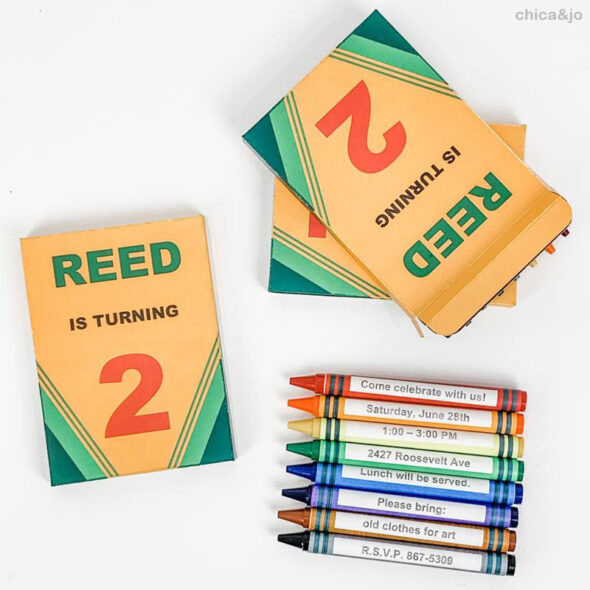
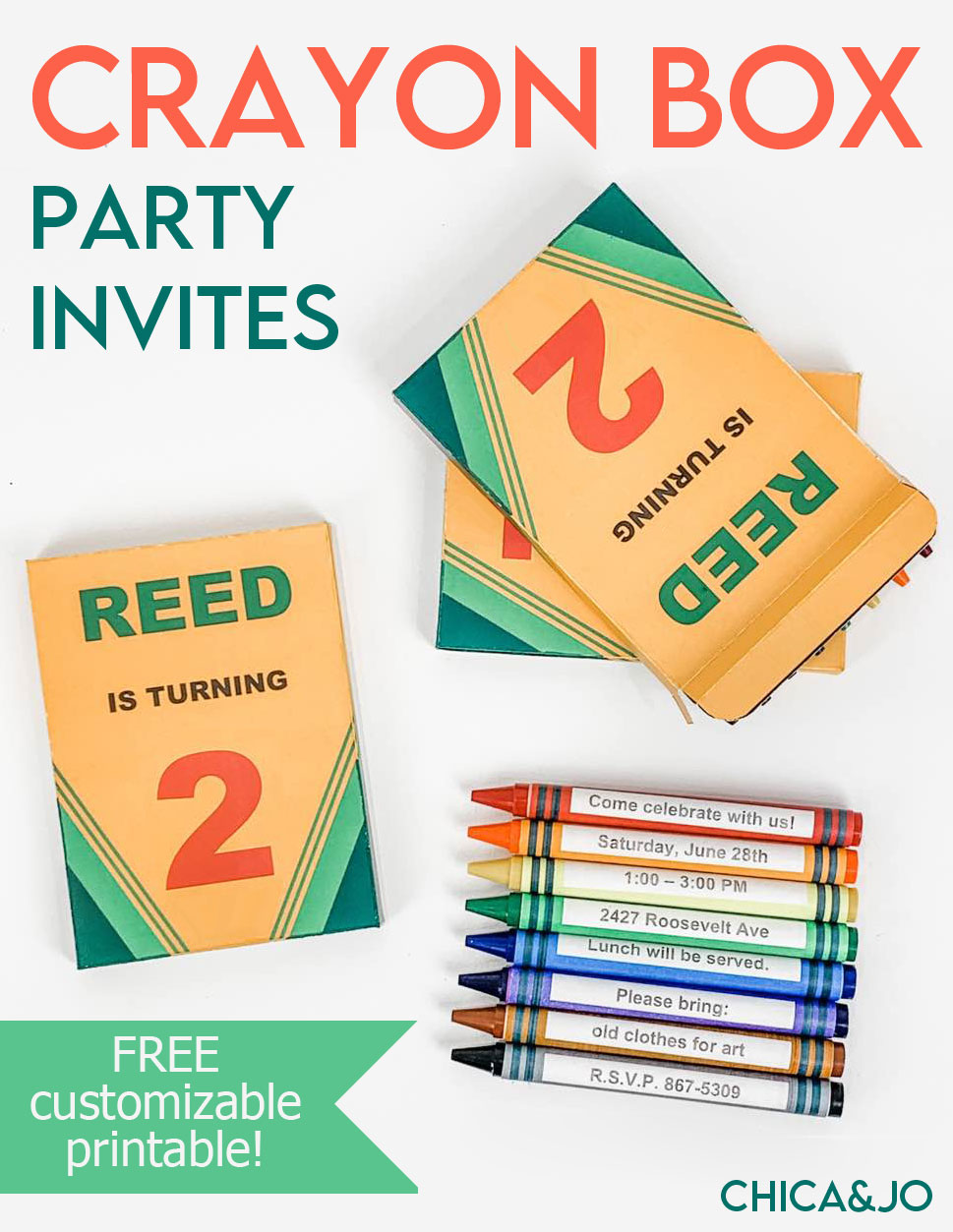
One of our favorite party themes is art! We love any party theme where kids can be creative, and focusing on arts and crafts is a perfect way to do that. The kids love it, too! To really set the tone for an art-themed party, we came up with a great idea for an invitation — a customizable crayon box, with the invitations on the crayons themselves.
To make this easy to do yourself, we made a printable template to use. Just download our customizable Word crayon box and wrappers template to get started.
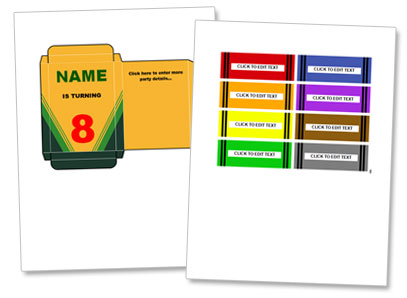
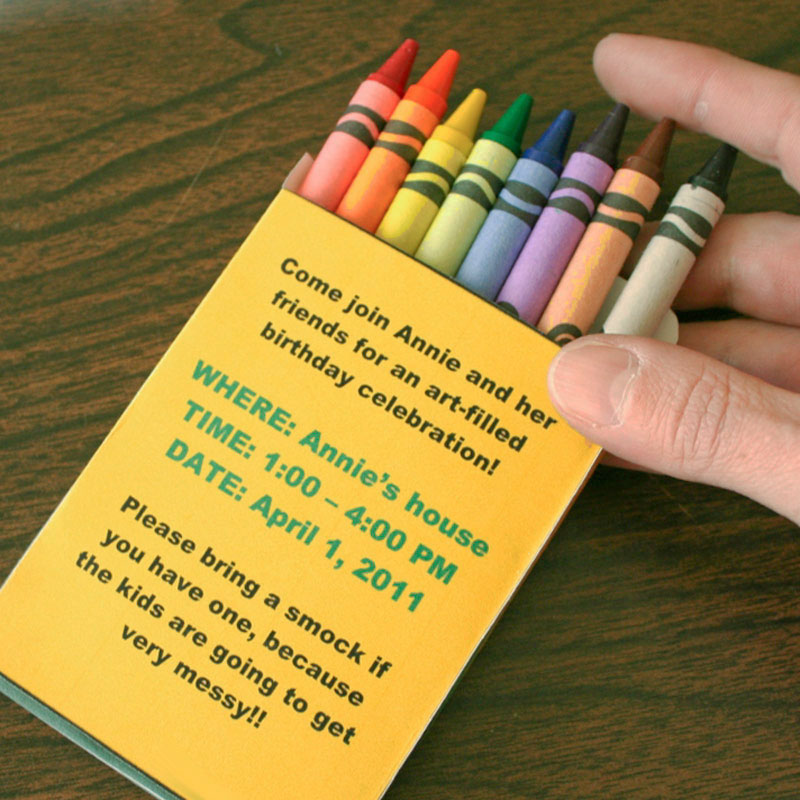
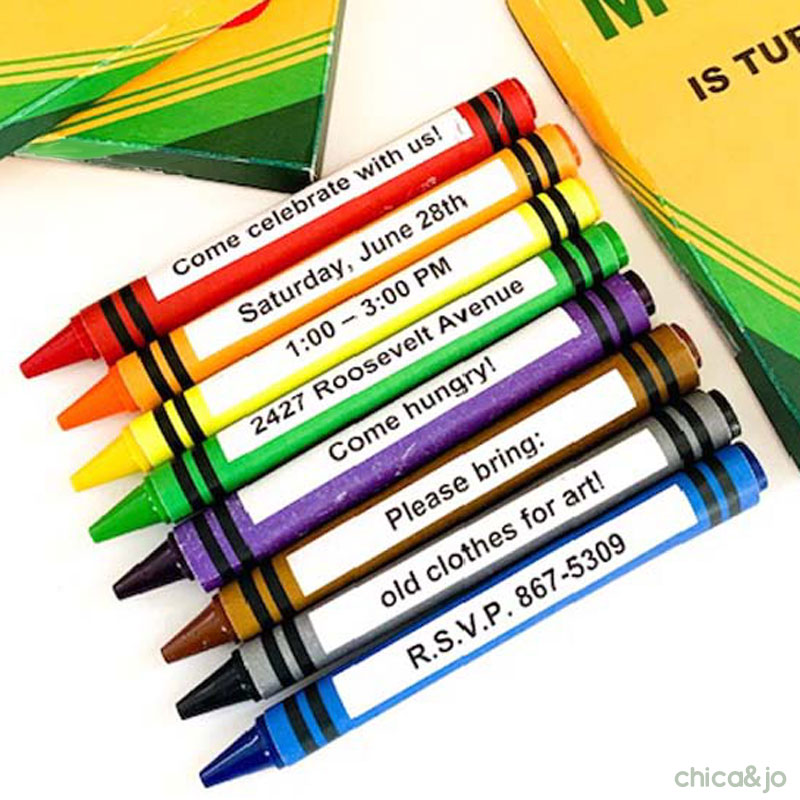
Once you open the file in Microsoft Word/Office, you can edit the text on the box as well as the crayon wrappers, to suit your party. We suggest adding your child's name and age to the front, and party details on the back of the box or on the crayon wrappers.
When you have the box template customized just the way you want it, print the boxes onto white cardstock and the crayon wrappers on sticker paper for easy assembly. (If you don't want to use sticker paper, print the wrappers on regular copy paper and use double-sided tape or a glue stick)
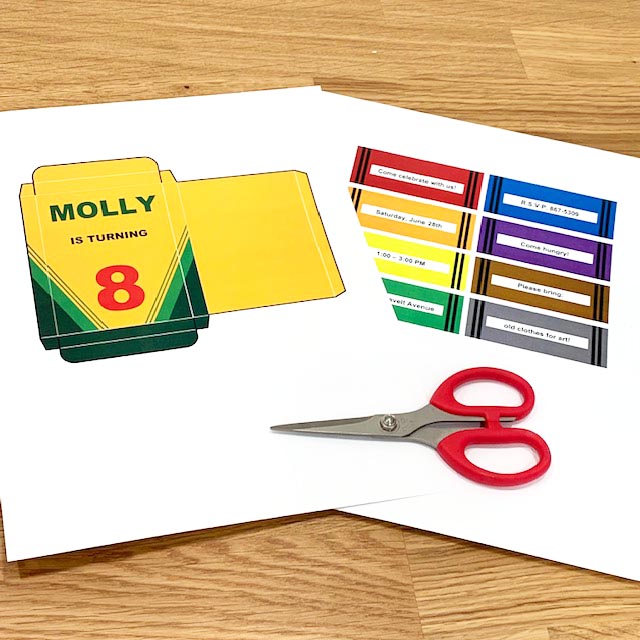
Cut the box out along the black lines. Be sure to cut in on the notches at the top and bottom of the box, but only cut as far as the black lines go.
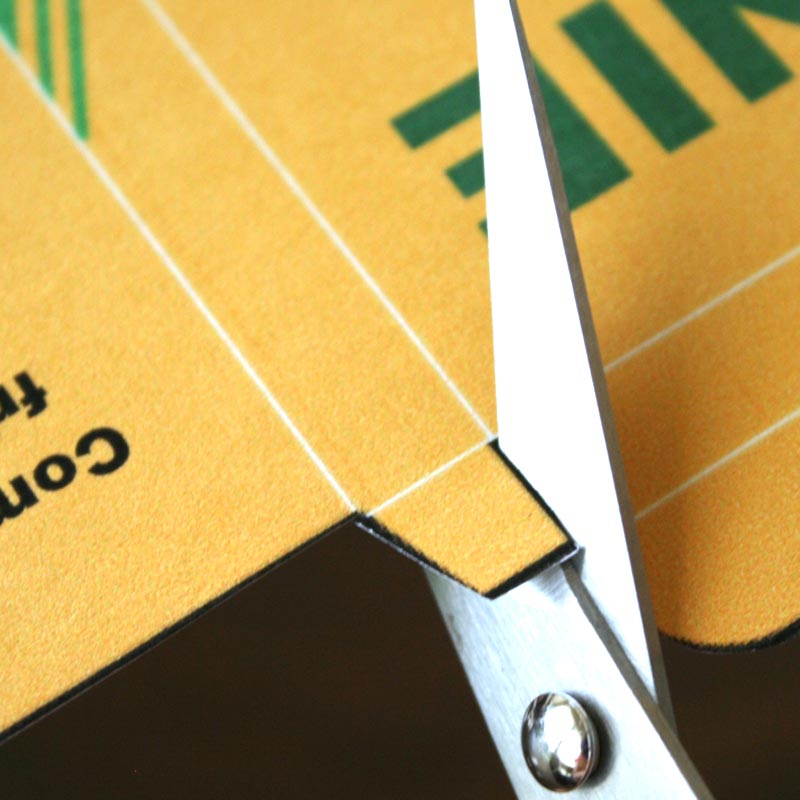
After you cut the box out, you'll fold it along all the thin white lines. To make this easier, I suggest first scoring the lines with a straight edge and stylus or bone folder. This scoring really makes the lines crisp and helps the box almost fold itself up.
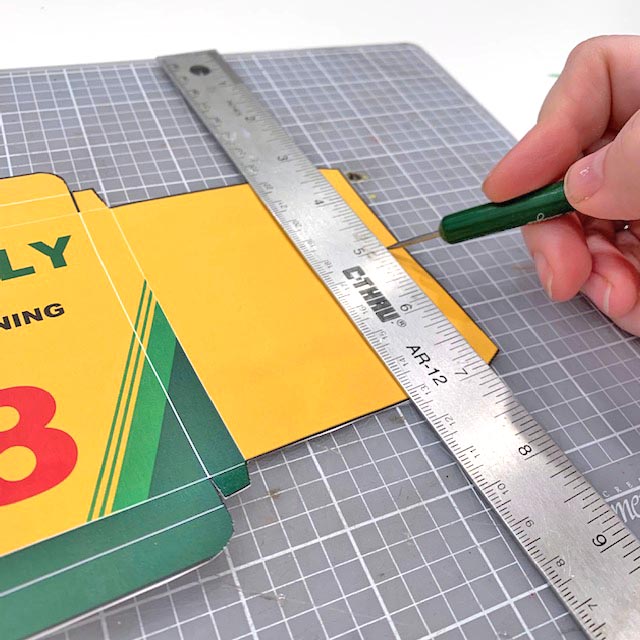
Once it's all scored and the creases folded, fold the back in so that the long yellow flap is face up on the back. Add some double-sided tape and fold the white flap on the right down to stick it in place.
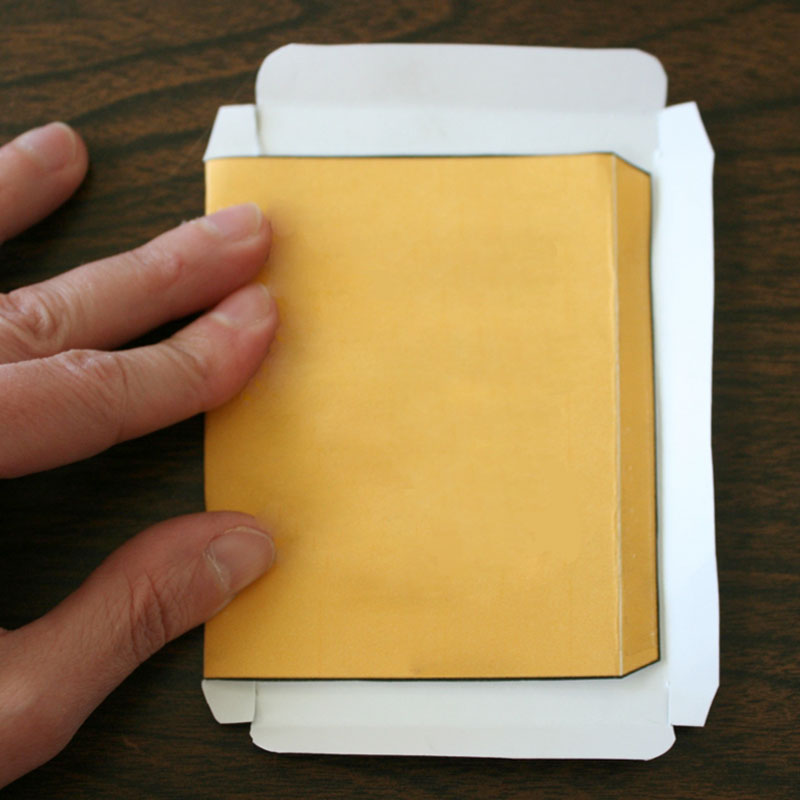
Then just fold in the flaps on the bottom and top of the box, and the box is done.
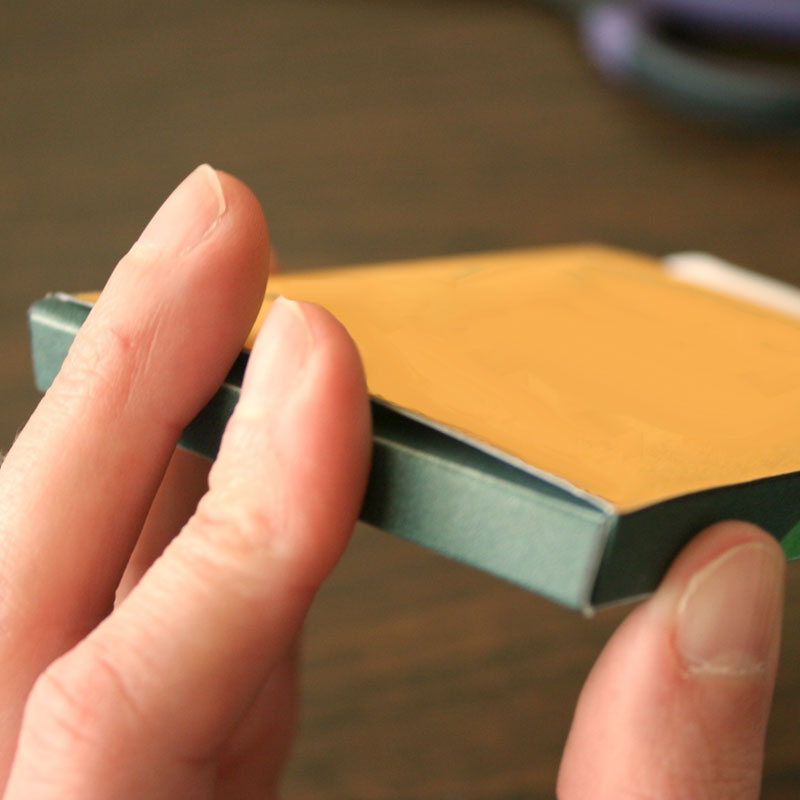
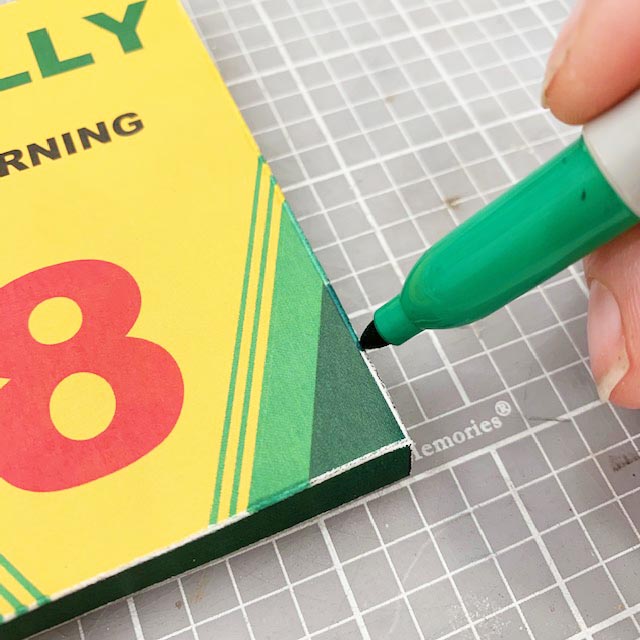
After folding dark printed cardstock, sometimes the fold will show a white line. If it bothers you (like it does me!) just fill it in with a matching marker, and nobody will ever know.
If you chose to put all the party details on the back of the box, you can just tuck some crayons inside and your invitation is ready to hand out.
If you chose to put the party details on the crayon wrappers, just stick them around some crayons and tuck them in the box.
Either way, it's sure to be the cutest crayon box party invitation you've ever seen!
similar projects
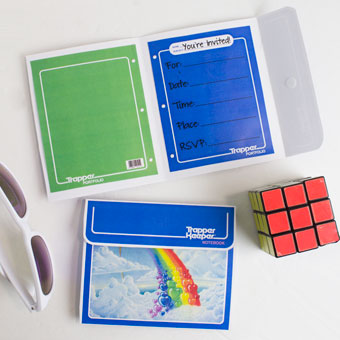
Trapper Keeper 80s Party Invitation
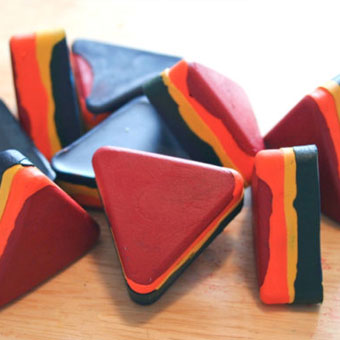
Recycle Broken Crayon Pieces into Fun New Shapes
Harry Potter Hedwig Party Invitation






28 comments so far:
OMG!!!! thank you I love this!!!!
Oh, how cute is that?! I wish I'd had this when my daughter was younger, for her "color" birthday. Great for an invitation or party favors!
Love this, great idea for a Birthday Art Party.
Fabulous project! Thanks very much for sharing it.
this is so cool! i'm 13 and i want to use this! i might use it for my end of the school year party! i made chunky crayons and i think this will be so much fun (and all my friends will enjoy it!) thank you so much!!! =)
This is fantastic. I will use them for one of my end of the year gifts to my preschoolers.
I just had an art party fo my daughter. These would have been fabulous as the invites. Oh well, I have other ideas on how to use them.
My older sister Sharon LOVES crayola crayons and always has. We tease her about it -- but she has every sort of crayon product they make! So, for her 69th birthday we're preparing invitation boxes and crayons for everyone. She's going to be so pleased, and we'll have a great time seeing her surprise! Thank you so much.
Hi, I love this idea and will be using it for my daughters 3 birthday, Ita a zoo theme party but these will be the thank you gifts! Love it!!!
This is such a great template! We used it to make a birthday card to go with the Crayon monogram we made for my daughter's Pre K teacher. Now we're using it as Valentines for her Kindergarten class.
I made these invitations for my son's second birthday party. They turned out so cute and what compliments I got on them. Thank you!!!!!
I LOVE this! I'm graduating with my degree in Child Development, and I wanted to make invites that are more focused on my major! I am definitely using this template to make invites! :) Thank you!
Trisha, we love seeing people come up with unexpected uses for our projects, and you've certainly done that. Congratulations on your degree and best of luck in your career!
I love this! I am going to customize this as favors for children at my wedding!! :)
Thanks for the fantastic template! It's perfect.
So I am trying to print these cute invites and I'm having an issue. Not very computer savy! How do you get the wording on top of the crayon box??
Belisha, when you download the template, be sure to open it in Microsoft Word. Then you can click on any of the default words in the template, which will make an outline appear around them. Then you can edit the text there to be whatever you like.
Great idea! Thank you! Just what I wanted for my college graduation invites (graduating with an education degree)!!
Thank you for this great idea! Question! Did you hand deliver these or did you put the invitations in the mail? I want to mail mine but im not sure how this will work? Thanks
Candace, if you want to mail these, I suggest using a small bubble envelope to help keep them from getting damaged in the mail.
I was looking for a cigarette box for a 50's banquet to put in the sleeve of 5 band kids shirts and thought crayons are about the same size. This is going to work great. I am using it as table decorations and to put in their shirt sleeves, with the names of our musicians and the banquet information for our community service club.
I love these. I am using them as favors for my son's 3rd birthday. I'm giving away coloring packs and the packs of crayons. I glued an umi-car to the front and used the wording "thanks for making my 3rd birthday umi-rrific!" I cant' wait to see the kids' reaction
How big a strip of the double-sided tape do we need? Does it need to fill the entire side tab? And what is the best way to cut the size/shape needed from the tape sheets you sell?
Suzbert, the size of the tape doesn't really matter, as long as you use enough to get a secure hold. Our double sided tape sheets cut easily with regular scissors, as long as you cut it BEFORE you peel off the backing :)
Just a quick word about Word (pardon my pun, I couldn't resist). I am a Mac user and do not have the MS Office package installed. The Mac version of Word - Pages - worked wonderfully. Only one change was needed in the Page Setup to change to landscape. My invites for my 4 year old's upcoming birthday came out AMAZING! I can't wait to send them out!
Thank you!!!
This is one of the greatest invitations I've ever found! Thanks a lot!
I absolutely love love LOVE this idea!!!
I love this!! absolutely perfect. Thanks a million!